The repair gets reported, booked, done and confirmed — without the phone ringing.
Mendlet is one place for the office, the tenant and the person with the van. A tenant reports a problem from their phone in a minute; your office sees it sorted by urgency; the contractor gets it with the address and the photos; everyone is told when it is done. Every step written down.
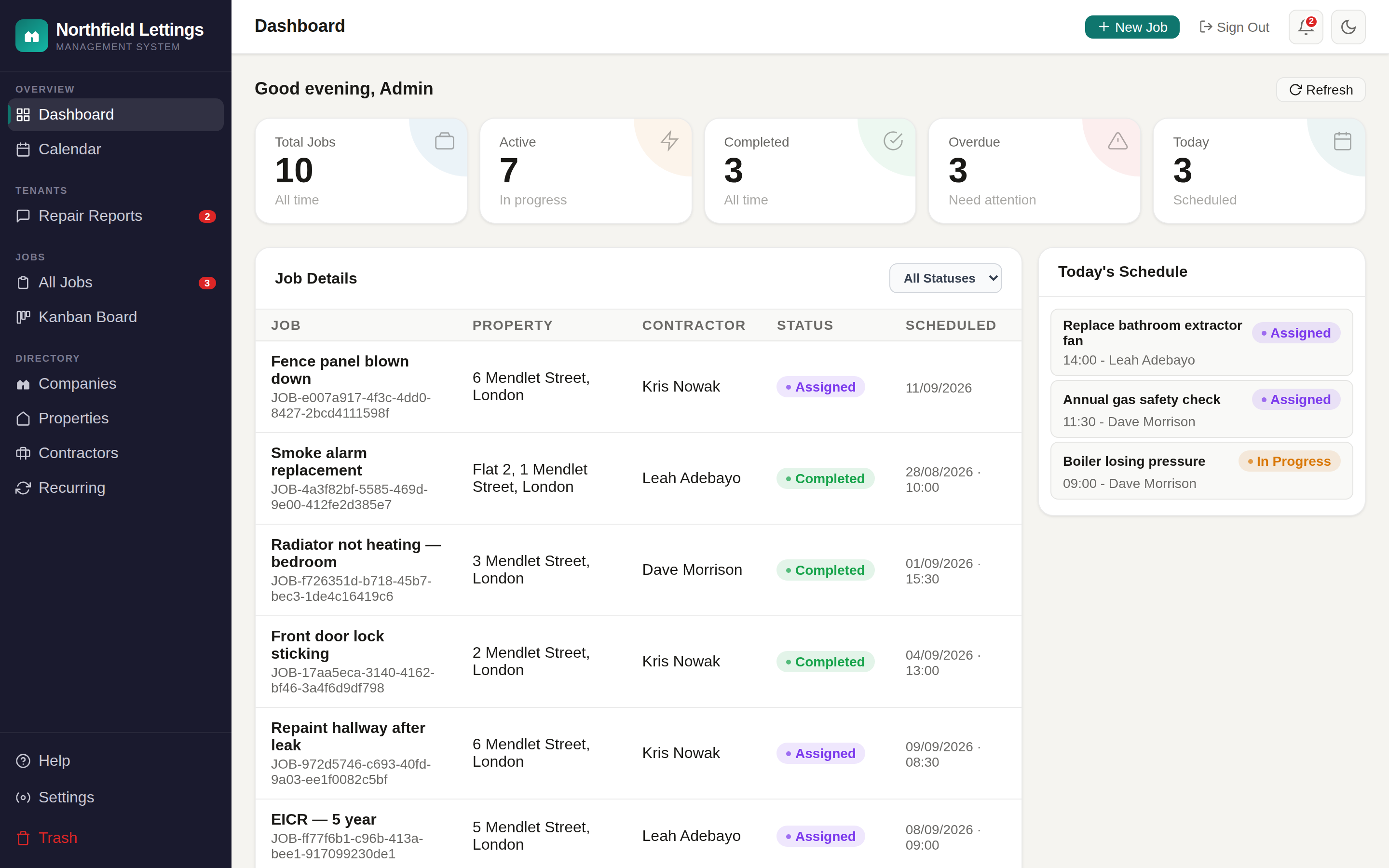
Here is Tuesday.
A leak in a flat on Mendlet Street, from the tenant noticing it to the tenant confirming it is fixed. Nobody rang anybody.
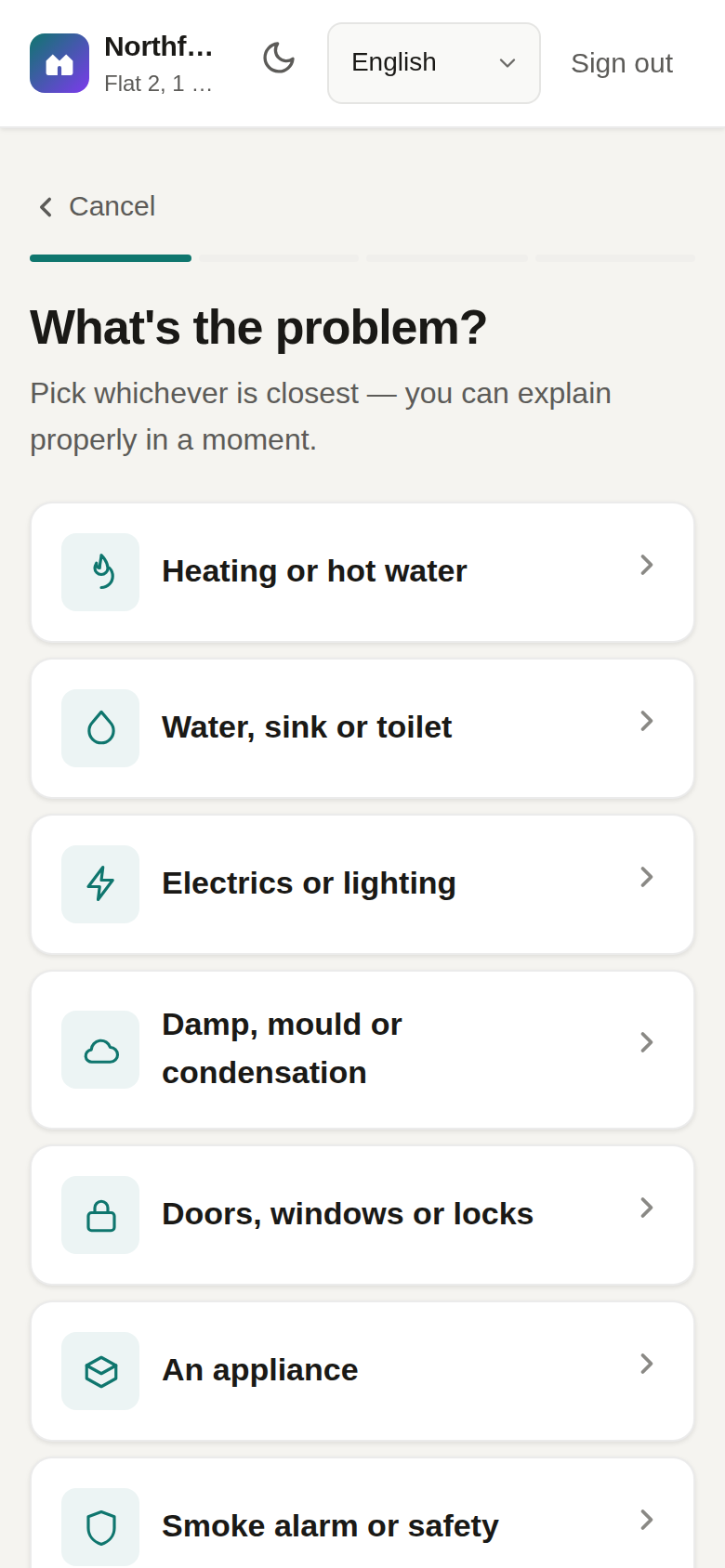
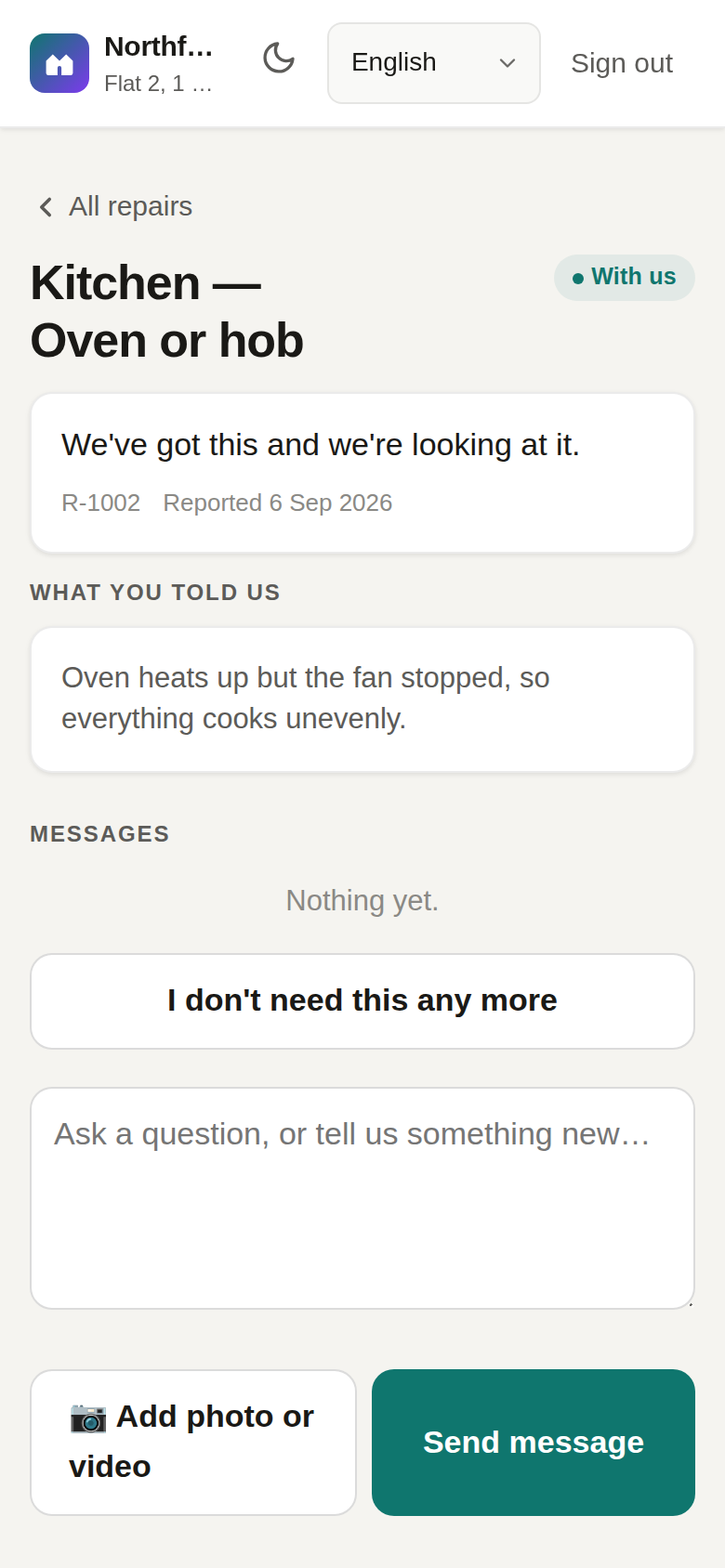
Aisha reports it from her phone
Water is coming through the bathroom ceiling. Three taps — Water, through the ceiling, bathroom — a photo, a line about when she is home. Sent.
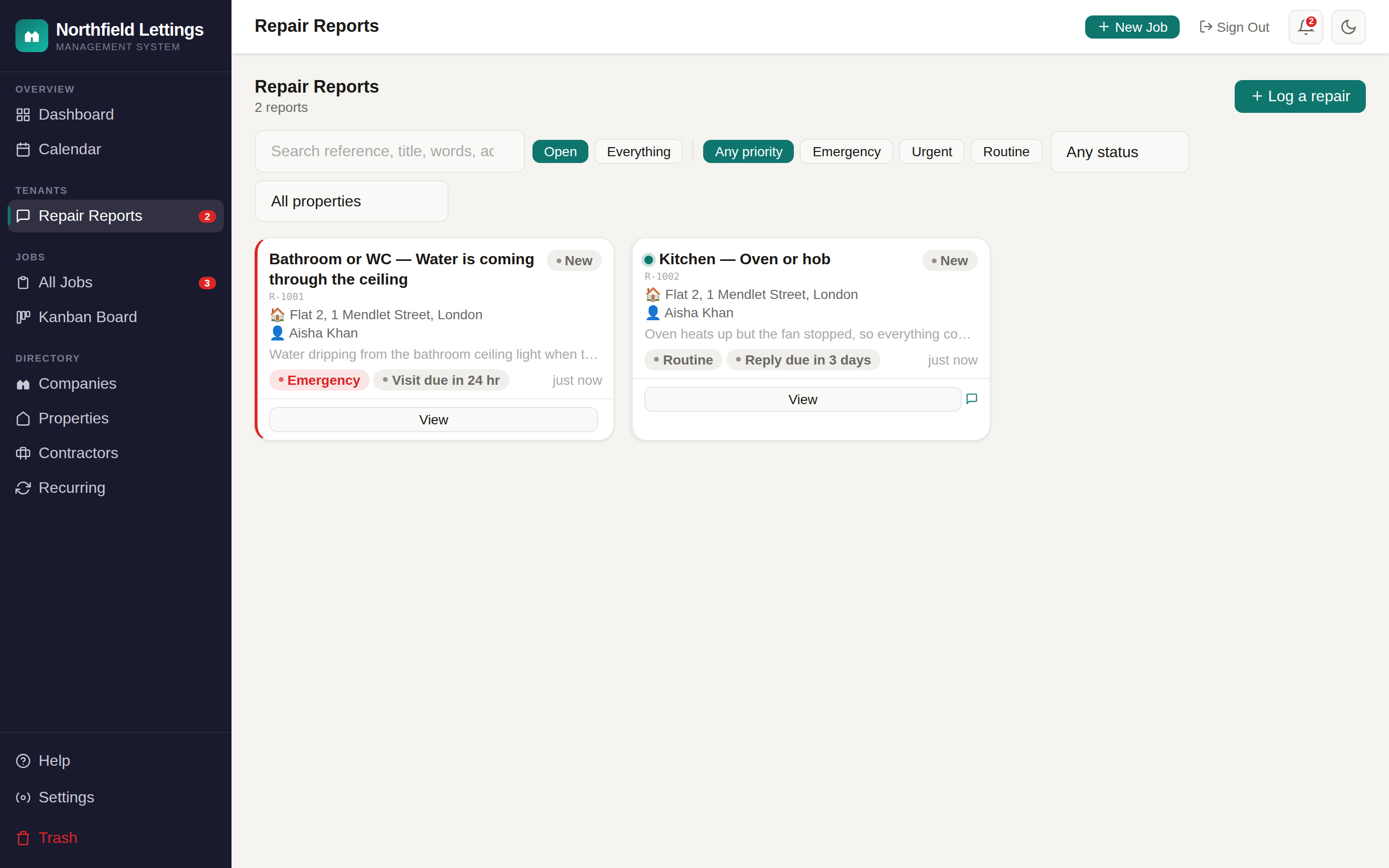
It lands, already marked urgent
Water through a ceiling is urgent by definition, so it sits at the top when the office opens up. One click turns it into a job; the report and the job stay linked.
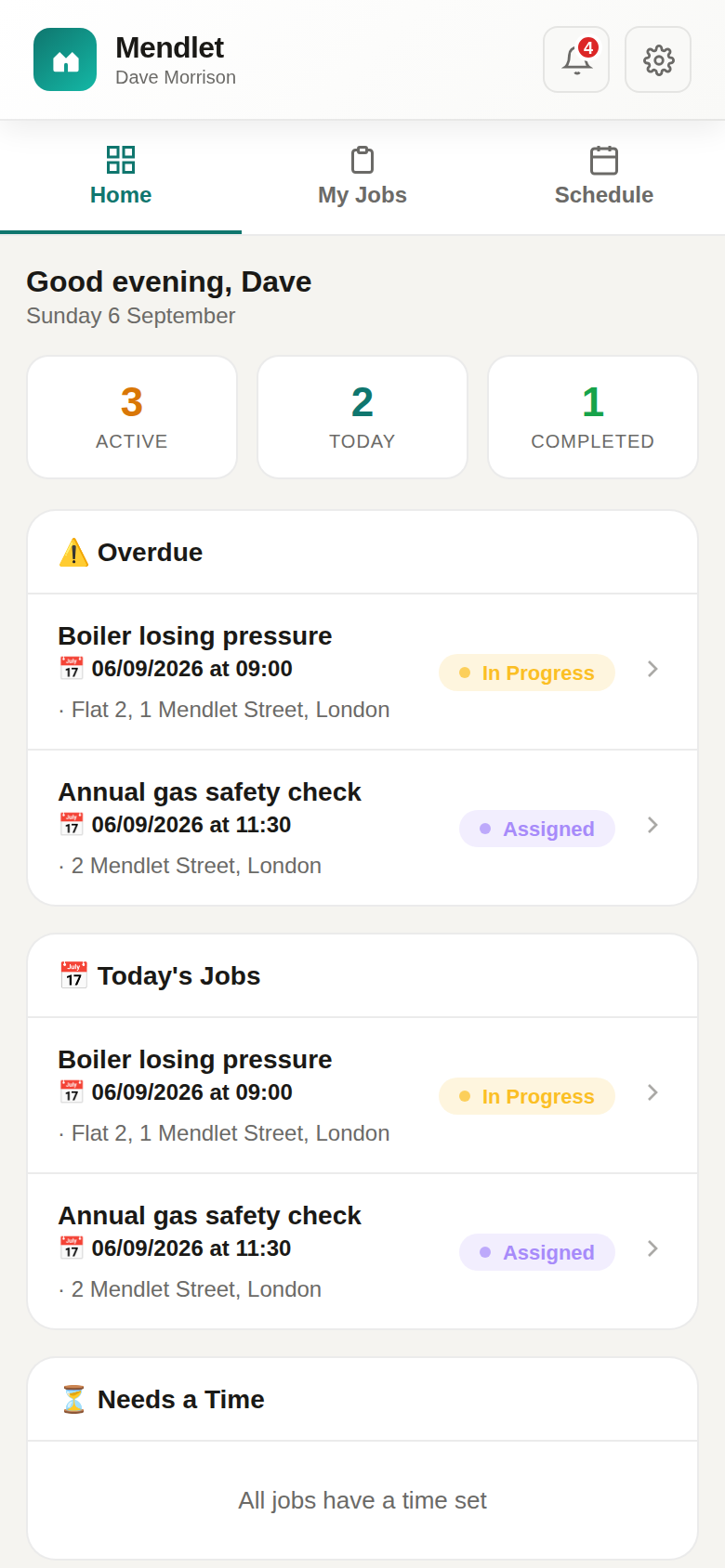
Dave has it before he leaves the house
Assigned for 09:00. It is on his phone with the address, Aisha's number, her photo and the note about the key. Aisha gets an email: Appointment booked — Dave Morrison, today at 09:00 — and a text reminder.
Done, and Aisha says so
Dave marks it complete with two photos of the resealed bath upstairs. Aisha is emailed — we've been told this is finished; not actually sorted? — and in the portal she taps yes, sorted. The office sees a closed report with the whole story on it.
The parts of the job that were only typing and ringing.
A lettings office spends its day moving the same fact between four people. Mendlet moves it once.
Ringing the tenant to ask what exactly is wrongThey told you, with a photo, in the words the contractor needs.Texting the contractor the address, then the tenant's number, then the door codeIt is all on the job. He opens it in his maps app from the portal.Ringing the tenant back to say when he is comingThey were emailed the moment he was booked, and texted a reminder before the visit.Chasing the contractor to find out if it was doneHe marked it complete on site, with photos.Ringing the tenant to check it is actually fixedThey were asked, and they answered.Remembering that the gas certificate at 2 Mendlet Street is dueRecurring work books itself ahead of time, to the right contractor, with the tenant told.Finding the email thread when the landlord asks what happenedEvery report, job, message and photo is one record. It all exports, and the photos are listed with it.
Each person sees their part of it, and only their part.
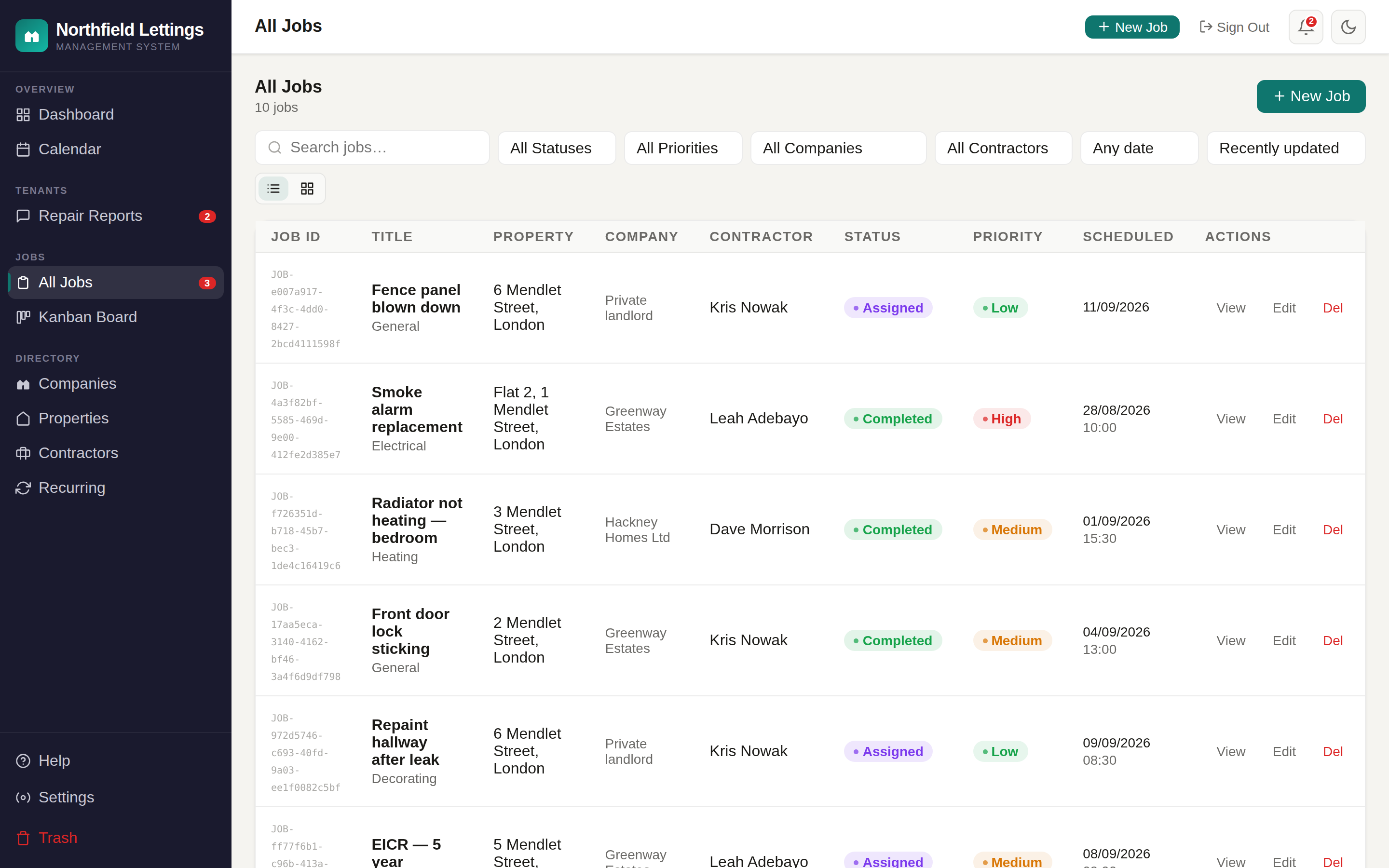
The office
- Every job as a list, a board or a calendar
- Tenant reports sorted by urgency, turned into jobs in a click
- Properties, landlords, tenancies and contractors in one directory
- Recurring work — gas, electrics, alarms — that books itself
- Import your portfolio from a spreadsheet
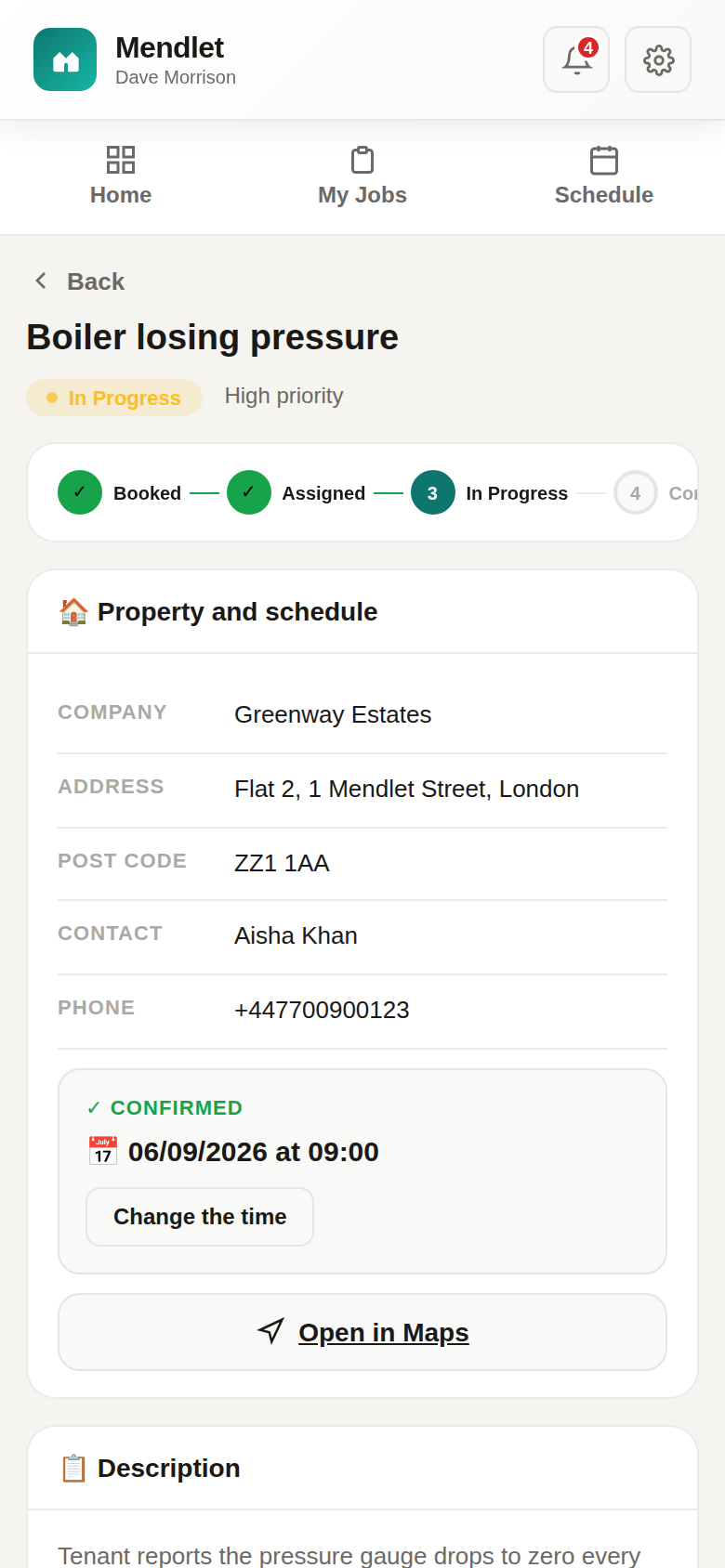
The contractor
- Today's jobs, in order, with everything they need
- Set or move the time; the tenant is told
- Update status and add photos from site
- A morning email with the day's list
- One sign-in, even across several agencies
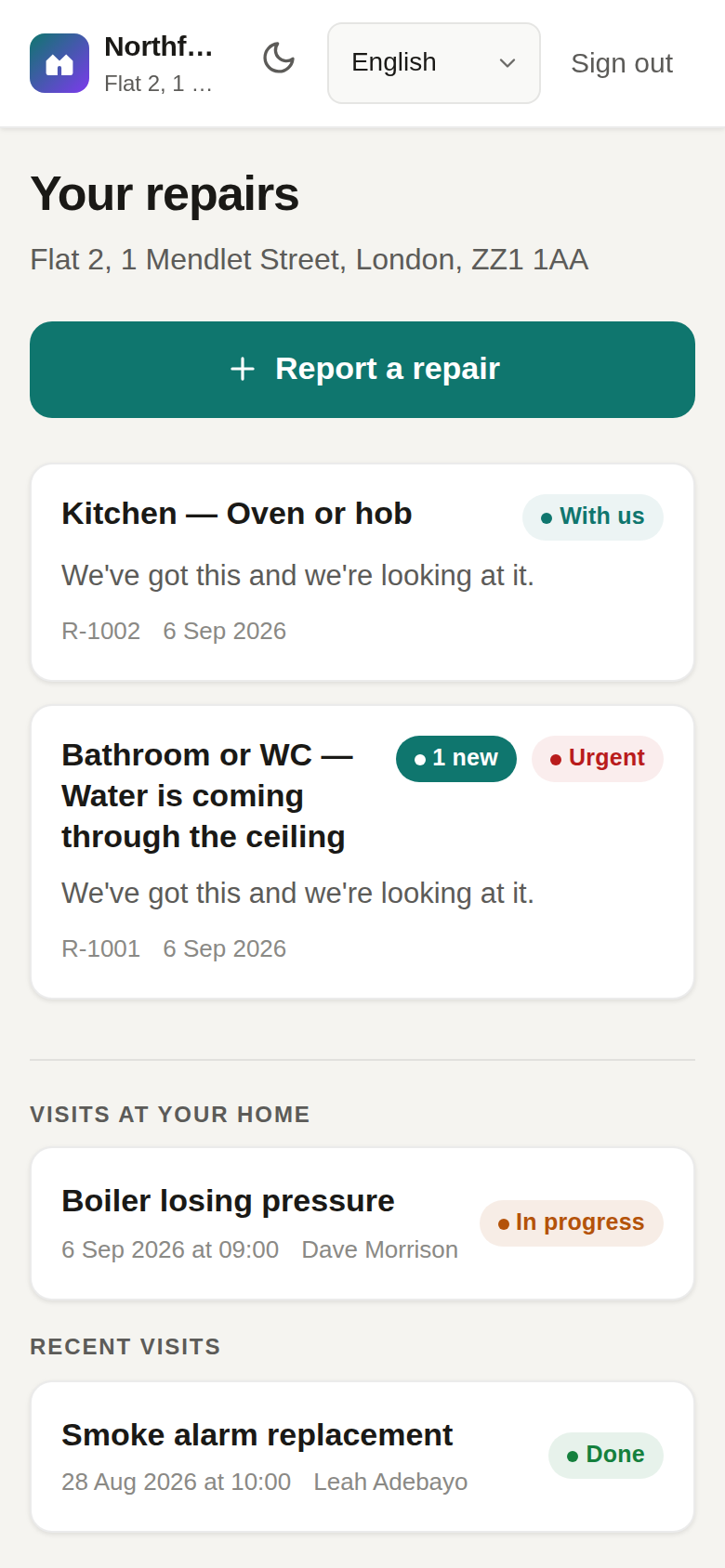
The tenant
- Report a repair by picking, not typing
- Photos and video from the phone
- Follow every step and message the office
- Emailed when a visit is booked, reminded before it, asked afterwards if it is fixed
- Emergency numbers where they are needed
Every message carries your company's name.
Tenants and contractors hear from you, not from a piece of software. Replies come back to your office. You decide, per event, whether something goes by email, by text, or not at all.
Texts are for the one thing a text is good at — the reminder. Everything with detail in it goes by email, so it can be found again.
Hello Aisha,
Thanks for reporting the leak in the bathroom ceiling. We have booked a contractor:
If that time does not work, reply to this email or ring the office on 020 7946 0301.
Powered by mendlet
The recurring things that must not be forgotten.
Set the rule once. The visit is created ahead of time, given to the right contractor, and the tenant is reminded. When it is done, the record is there when somebody asks for it.
Gas safety (CP12)
Booked to your Gas Safe engineer with the lead time you choose, so there is room to rearrange when the tenant is away.
Electrical inspection (EICR)
Per property, from the date of the last one, with a photograph of the certificate attached to the job when it is done.
Damp, mould and hazards
Tenant reports about damp and mould are sorted by urgency the moment they arrive and given a time to reply by and a time to be there by. You set those times; a social landlord sets them to match Awaab’s Law. The report shows how long is left, and turns red when it has run out.
Alarms, communal areas, cleaning
Any rhythm you like — every Monday, first of the month, every six weeks — skipping weekends and bank holidays if you say so.
A record you can hand over
Who reported it, when, what was said, who went, what they did, what the tenant confirmed. All of it exports, message by message, whenever you want it.
What it does not do
Mendlet does not do the work or decide the law for you. It makes sure the things you have decided to do are booked, done and written down.
Plain facts about where your information lives.
It is yours
Export everything as a spreadsheet, or as one complete JSON file, at any time — properties, tenancies, jobs, every message, inspections, the lot. Leave, and it is deleted within thirty days.
Each company is kept apart
Every request is checked against the company it belongs to. No office ever sees another's tenants.
Nothing is sold, nothing is tracked
No advertising, no analytics scripts, no data brokers. The privacy notice is short because there is little to say.
UK GDPR, in writing
You are the controller, we are your processor, and the data processing terms are in the Terms — not a separate document you have to ask for.
Priced by the size of your portfolio, not by how many people use it.
One product. Every plan has every feature. What changes between them is how many properties you manage and how many text messages are included — because those are the two things that cost more when you grow, and everything else does not. Bigger than the largest plan? Tell us how many properties you manage and we will come back the same working day.
- Office app, contractor portal and tenant portal — all included
- Unlimited office users, contractors and tenants
- Email included and unmetered; text messages up to your plan's allowance — never charged per message
- Import your portfolio; export it whenever you like
- Support by email from the people who built it
- No long contract — leave when you like
Tell us about your portfolio.
A few lines is plenty. We reply the same working day, usually with a time for a walkthrough on your own properties.
Or write to hello@mendlet.co.uk.